

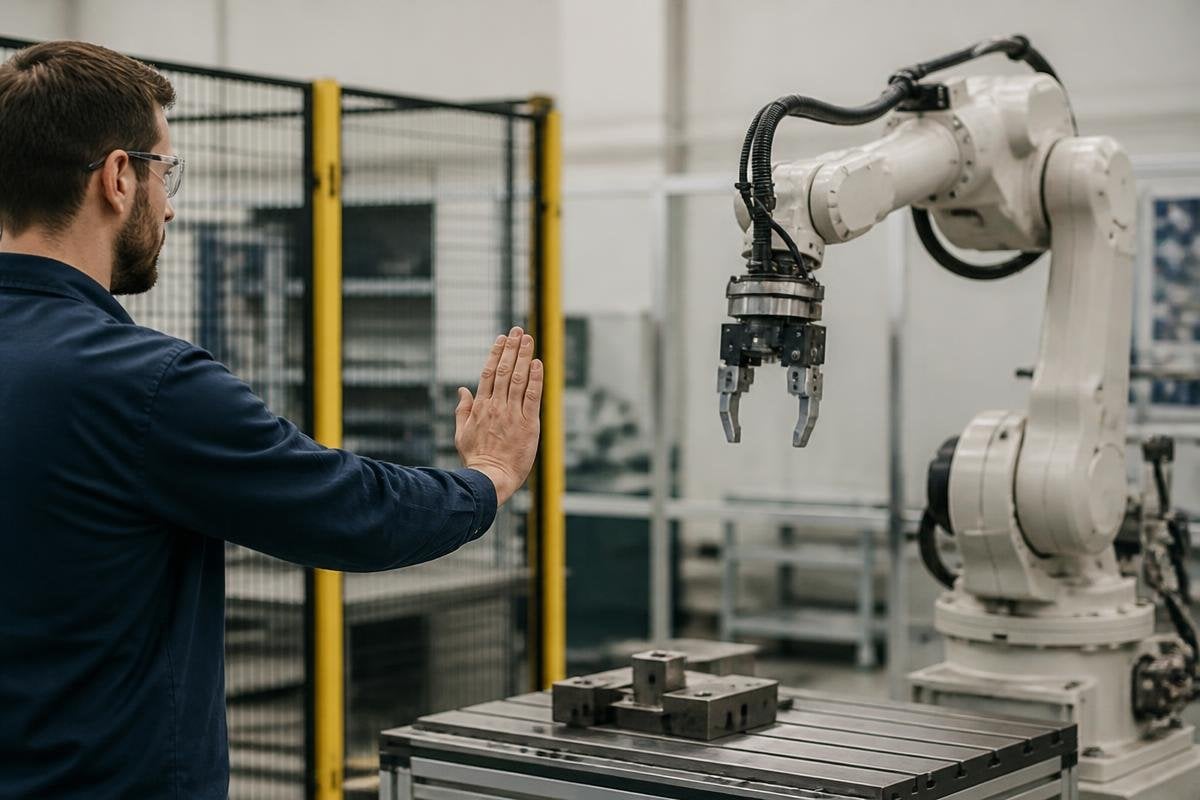
A robot that ignores a human command may be protecting itself, a person nearby, or the task around it. The refusal usually comes from a rule in its control software, a missing condition, or uncertainty about what the command would cause.
Quick read
- A refusal can mean the command failed a safety or permission check
- The robot may stop, slow down, ask for help, or move to a safe state
- Logs and clear error messages matter more than a silent shutdown
What the robot is checking
A command travels through several checks before a motor moves. The system may confirm who sent it, whether that person has permission, whether the requested motion fits the robot’s limits, and whether sensors show a safe path.
That process matters because a spoken order can be vague. “Move the arm” leaves out the target, speed, force, and stopping point. A robot needs those details in a form its software can use, so it may reject the order instead of guessing.
Some commands also conflict with the robot’s current state. A mobile robot may be charging, carrying a load, or waiting for a door to open. An arm may already hold an object, while a legged robot may have one foot lifted. The software can block a new motion until the current action ends or a person clears the condition.
What refusal looks like in practice
Refusal doesn’t always mean a complete shutdown. The robot may hold its position, reduce motor power, ask for a new command, or return to a defined safe state. The response depends on the task and the rules set by the maker.
A useful system tells the operator why it stopped. “Obstacle detected” points to a sensor or path problem. “Permission denied” points to the control system. “Payload limit reached” points to the object or motion request. Each message sends the operator toward a different fix.
Silent refusal creates a second problem. The person may repeat the command, change position, or reach into the robot’s work area without knowing why the system stopped. Clear feedback keeps that next action from becoming a new hazard.
A refusal only helps if the robot can state the rule behind it. Reports on command limits and robot safety can tie that response to a named system, test setting, and stop condition. The next section examines when that stop protects people.
Why the stop can be the correct result
A robot works with incomplete information. Cameras can miss an object, force sensors can detect contact without knowing its cause, and speech systems can misread a word. When the cost of a wrong move is high, the software may choose a stop while it waits for a clearer input.
That choice can slow work. An operator may need to confirm the target, clear a blocked path, release a gripper, or switch the robot from automatic control to supervised control. The extra step is useful only when the system explains what changed and how the person can resume the task.
I’d rather see a robot refuse a doubtful command than carry it out with a guessed target.
The limit is that refusal rules can be too strict. If a sensor reports a minor fault, the robot might stop even when a trained operator could safely continue. Makers need to set clear limits, record the reason for each stop, and give authorised people a controlled way to recover.
A practical command check
Use this sequence when a robot rejects an order:
- Read the exact error message before sending the command again.
- Check the robot’s mode, task state, battery status, and load.
- Look at the area around the robot for people, objects, doors, or blocked paths.
- Confirm that the command names the target, motion, speed, and stop condition.
- Use the approved recovery control instead of forcing a motor or bypassing a sensor.
- Record repeated refusals so the maker or safety team can inspect the pattern.
The next useful step for any robot maker is clear refusal handling: show the reason, keep the machine in a known state, and tell the operator what input can safely follow. Until those details are visible, a command that “works” may be less trustworthy than one the robot declines.
